
Neuralog Desktop E&P Data Access & Visualization

Neuralog Desktop is a right-sized application for data access & visualization. It helps O&G companies with multiple E&P databases and applications drive project results. Shift focus from data search to analysis. Quickly access, visualize, and evaluate company data and manage project progress with ease. Interactively create, edit, organize and view data. Launch scanning, printing, digitizing, and other analysis applications to discover E&P opportunities.
Read more about Neuralog Desktop on our blog:
What You Get
- View all company data in a single application
- Quick implementation and operation set-up tools
- Flexible database to store structured and unstructured well data
- Access to mapped source files
- Project Explorer and other special displays for projects, wells, logs and documents
- Data association tools and batch loaders
- Data management tools for a variety of data types operating globally, by project, well or area
Looking for Support?
Quick Access & Visualization
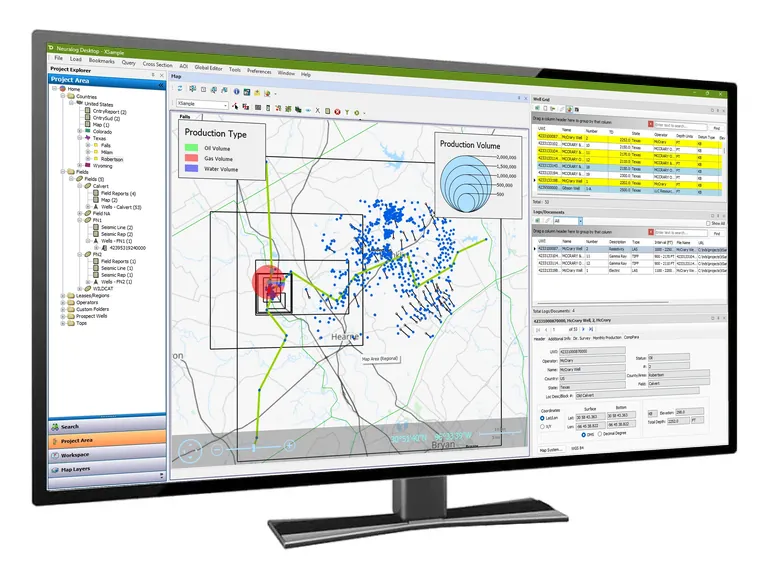
Desktop utilizes both a map interface and Project Explorer navigation to enable users to quickly navigate and access critical documents.
- GIS interface with immediate access to project well data
- Project Explorer display of wells, logs and documents
- All project data available for quick analysis and evaluation
Well, Log and Document Management
Simple to use batch and selection loaders make Desktop ideal for the end-user. Users are able to manage tops, well related data (logs, AFE’s, reports, production data, etc.), as well as area related data (maps, seismic, field reports, etc.). With SQL Express, SQL Server and Access support, Desktop is a versatile solution which can be implemented and operational immediately.
- Easily navigate the map interface for instant access to projects and documents
- Conveniently manage all logs, reports, maps and even living source files within SQL or Access
- Use the global editor to manage well headers, file paths, surfaces and interpreter information
- Ideal GIS-based solution when a full-fledged data management system is not needed
Complete Geological Evaluation
Take your data to the next level with our full Neuralog Product Suite integration. Scan, digitize, interpret and print through the project-based map interface.
- Interactively create, evaluate and display geological data in a single application
- Correlate logs and create cross sections and contour maps, directly from the GIS map
- Capture, edit and save log and map data directly into the project database
SYSTEM REQUIREMENTS Neuralog Desktop* | |
|---|---|
| Minimum Requirements | |
| Supported Operating Systems | Windows 11 recommended Windows 10, version 1903 or later |
| Processor | i5 Processor |
| RAM | 8GB RAM |
| Video Card Memory | 512MB |
| Disk Space | 400MB |
| Screen Resolution | 1920×1080 resolution |
*Specifications subject to change.
Source: https://www.neuralog.com/product-sheets/neuralog-products-solutions.pdf (opens in a new tab)
Frequently asked questions
What is Neuralog Desktop?
Neuralog Desktop provides a single interface to access, organize, and visualize wells, logs, documents, and project data. It integrates a project tree, map and document tables for a complete overview of project data.
What types of data can I manage with Neuralog Desktop?
Neuralog Desktop manages well data, logs, maps, documents, images, and project information from multiple data sources. 2D and 3D seismic data will be available in the upcoming release.
Can Neuralog Desktop connect to my existing databases?
Yes. Neuralog Desktop can access data stored in SQL Server, Access, Geodatabases, shared drives, and other industry data sources.
Can I launch other Neuralog applications from Desktop?
Yes. Desktop serves as a central hub for launching Neuralog scanning, viewing, digitizing, and analysis applications.
Can I organize data by project or geographic area?
Yes. Desktop includes area-based navigation and project organization tools for managing large data collections. A project area tree organizes data for quick reference.
Does Neuralog Desktop include map-based navigation?
Yes. Desktop includes GIS-based tools that allow users to navigate and access data through a map interface.
Do I need GIS software to use mapping in Neuralog Desktop?
No. Neuralog Desktop DE includes a free integrated map that allows users to locate wells, view project areas, and access associated data without purchasing additional GIS software.
Featured Products
NeuraLog
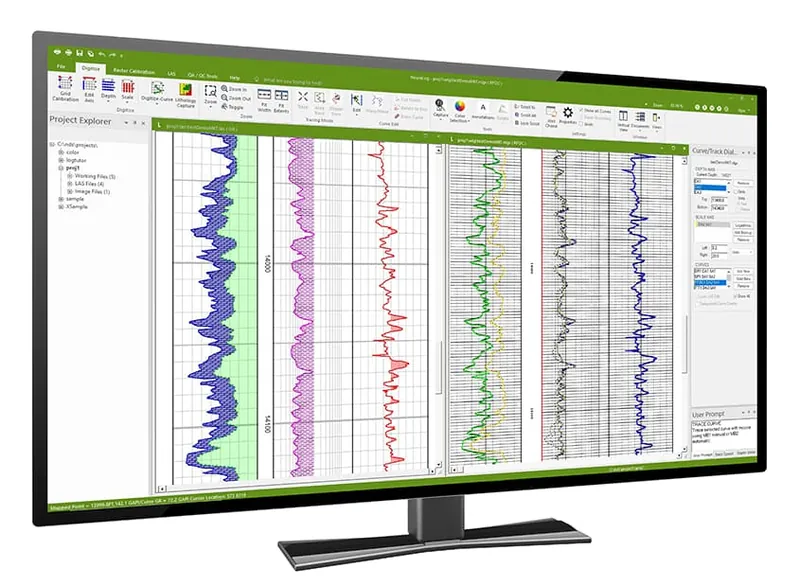
Accurately convert scanned logs into workstation-ready digital data.
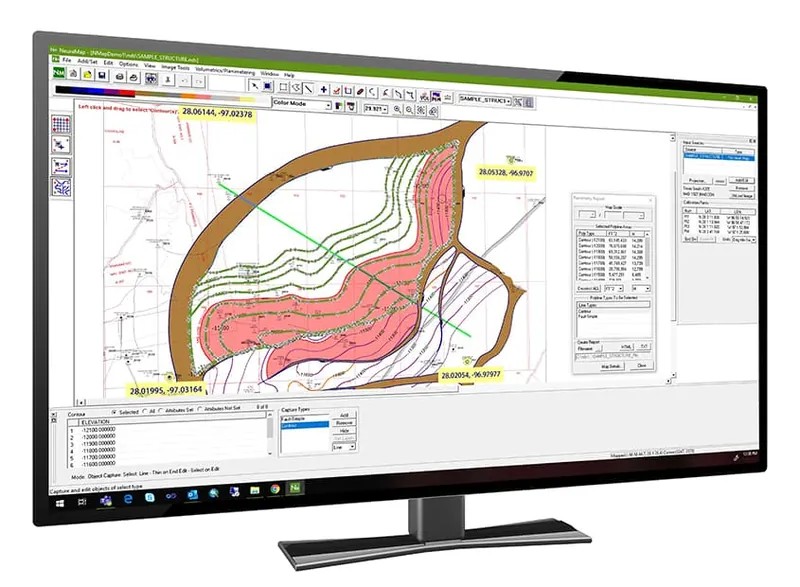
NeuraMap
Import map vectors for instant calculations on your reservoir.
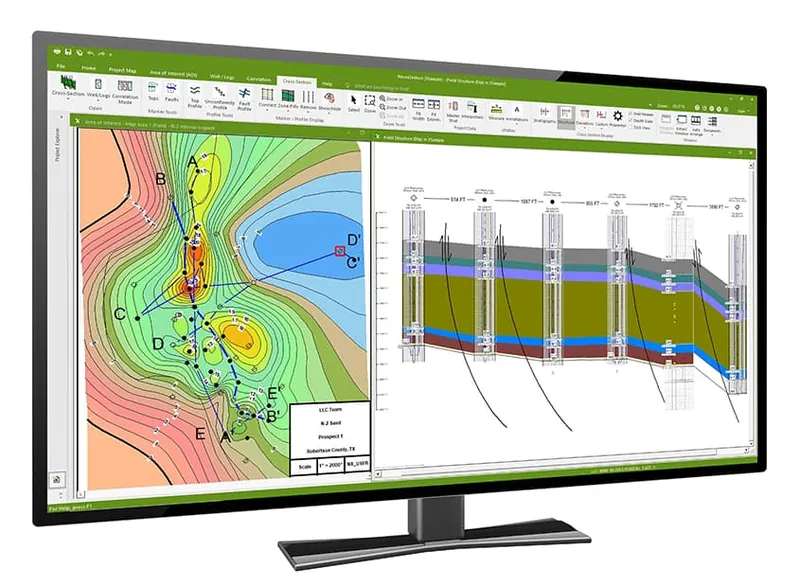
NeuraSection
Evaluate and display all available geological data to efficiently present the total play.
More Information: