
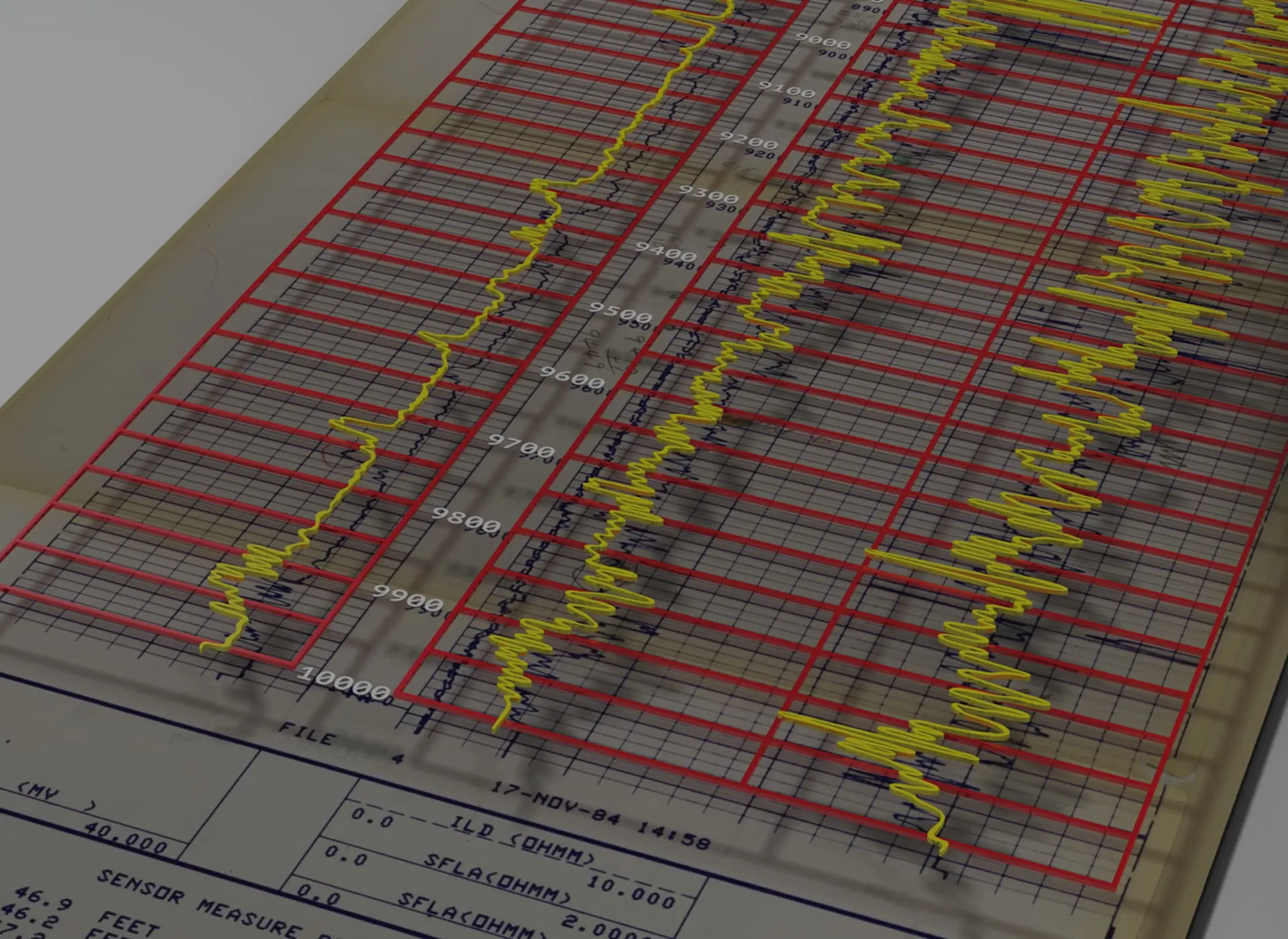
NeuraLog Automated Well Log Digitizing and Preparation of Log Data

NeuraLog is the most reliable and widely used automated well log digitizing system in the world today.
NeuraLog transforms scanned images into usable digital data. Neural-network driven automated tracing enhances productivity by streamlining workflows to create reliable data for time-critical projects. Workflow-centric quality control tools empower the log analyst to control the quality and availability of well log data when they need it.
NeuraLog incorporates AI-enhanced tools to further streamline well log digitization workflows. Artificial Intelligence Log Feature Extraction (AILFE) helps identify and isolate curves, grids, and background elements within well log images, while AI-powered OCR assists with capturing well log header information and populating key data fields. Together, these tools reduce manual effort, exploiting the latest AI technologies to help users maintain control over the quality of their digital data.
Read more about NeuraLog version 2026 in our blog post titled: New NeuraLog 2026: AI-Enhanced Well Log Digitization Software
Built-in curve editing and validation tools ensure that your digital log data, regardless of vendor or quality, can be corrected and verified to meet your standards. For those geologists working with raster well logs, NeuraLog can create straightened and depth-registered images for your geological applications. And if paper logs are still a data source, NeuraLog’s integration with the NeuraScanner makes bringing those documents into the digital world a simple part of your day.
More than just log digitizing software, NeuraLog addresses the many data capture challenges such as the variety of industry log and curve presentations, scanned log formats, and image quality deficiencies and degradation. NeuraLog is the only available tool to support the many variable data output formats that geologists require. NeuraLog’s complete set of data transformation tools helps preserve data for current and future projects while meeting rigorous company and industry standards.
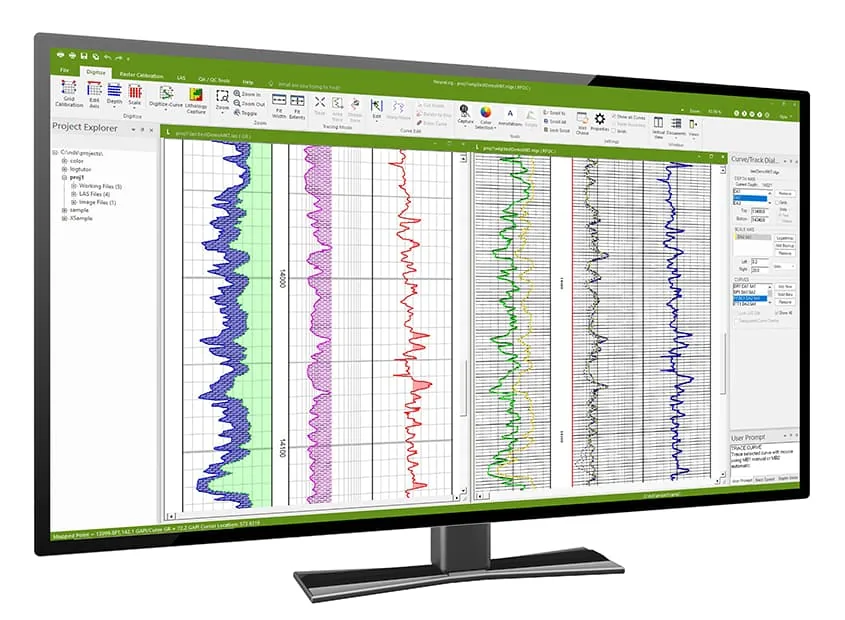
For management of both large and small projects, NeuraLog’s Project Explorer allows users to navigate and search across all projects without leaving their current workspace. Working files are organized in a tree structure, making it easy to locate and access files without switching between projects.
Project Explorer breaks down project files into 3 categories:
- Working files
- LAS files (it auto-populates from the LAS folder)
- Image files
Designed to improve productivity and streamline workflows, NeuraLog enables users to accurately digitize all types of well logs and make faster decisions based on the quality-controlled digital data that is available for that project.
“NeuraLog was our discovery of the “missing link” for log data input into a pore pressure and fracture gradient prediction program. Log data can be easily digitized, exported into a LAS file, and interpreted in just a few hours. Turnkey drilling demands precision. NeuraLog is a crucial component of our technical tool set.”
J. Greve, Project Manager
Digitizing
Interpreting legacy logs can pose many challenges, such as degradation from age and handling, which results in information loss and variable data quality.
Automated Curve Tracing – Neural network algorithms trace curves with speed and accuracy. There are many different curve algorithms available to account for many digitizing cases.
- Built-in grid model to account for curves crossing the grids
- Auto-stop error detection
- Interactive curve editing with immediate resume tracing
Lithology Data Capture – Utilize data from mud logs and lithology logs.
- Capture lithology and descriptions from hand-drawn mud logs
- Unique step curve capture sample rate (ROP, GAS)
- Log annotation to mark important data such as zones, faults and reservoirs
Interactive Log Display – NeuraLog displays your log raster image and traced curve vectors directly on the computer screen, providing immediate feedback.
- Interactive tracing tool and tracing types
- Error correction at any point in the tracing process
- Automatic scrolling through the log during curve trace
- Light Table overlay of LAS and Rasters
Unlimited Backup Scales – NeuraLog’s automated tracing functions work on unlimited backup scales, automatically patching together the different sections of the curve for streamlined curve output.
Image Warp and Stretch Correction – NeuraLog corrects for warp and stretch, a common problem in poor log images, automatically from depth grids to produce quality log images and digital data.
Preparation
Quality Improvement – NeuraLog includes a comprehensive set of tools to improve the quality of your digital log data. The Log Quality Index (LQI) provides an overall measure of Quality Score of in-house or vendor data. The NeuraLog Quality Improvement tools check for pixel overlay, spikes, gaps, and depth-gridding issues guiding you through the digitized log to correct errors and improve the LQI score. Once this verification/correction is complete, the results can be saved as a report, which reflects the quality of your data capture.
For verification of LAS, the Virtual Light Table visually shows the match between the log image and digital data overlay quickly and accurately. The LAS data statistical report generator summarizes your data to check for norms with the LAS Validator.
Multiple Runs/Curve Splicing – NeuraLog provides the option of merging multiple runs of the same curve within a log into one LAS file. Curves from multiple files may be merged into a single LAS output.
Digital Log Editing
- Customizable LAS Curve Template
- Custom Backup Scales for Amplified and Multi-Wrap Scales
- LAS Curve Edit
- Baseline Shift / Depth Shift / Curve Arithmetic
- Custom LAS Curve Calculator
- LAS File Merge
Curve Calculations – NeuraLog comes pre-loaded with various methods to calculate Shale Volume, porosity, and water saturation, as well as other standard conversions. Macros can be created, and Scripts can be edited and saved for user-defined programs.
Project Management – NeuraLog provides an efficient means for total log information storage, giving you immediate access to the original log image, log digits, and well information. NeuraLog can export the following formats LAS (1.2 & 2.00), IHS PETRA ASCII Well Data, PETRA Log Image Calibration (ILC).
SYSTEM REQUIREMENTS NeuraLog* |
|
|---|---|
| Minimum Requirements | |
| Supported Operating Systems | Windows 11 recommended Windows 10, version 1903 or later |
| Processor | i5 processor |
| AILFE Processor | Dedicated GPU with 4 GB+ VRAM recommended Modern 64-bit Intel or AMD dual-core processor (2013 or newer) |
| RAM | 8GB+ RAM |
| Video Card Memory | 2GB VRAM |
| Disk Space | 500 MB |
| Screen Resolution | 1920×1080 resolution |
*Specifications subject to change.
Source: https://www.neuralog.com/product-sheets/neuralog-products-solutions.pdf (opens in a new tab)
Looking for Support?
Featured Products
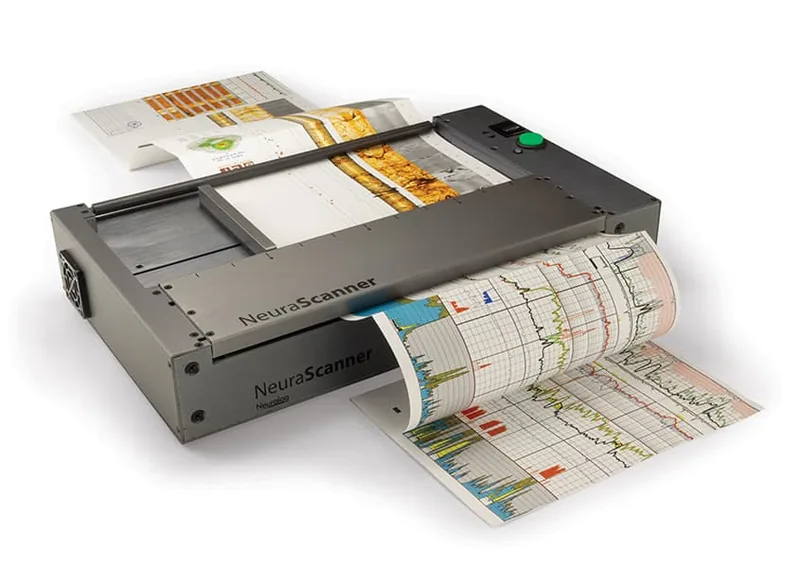
NeuraScanner
Purpose-built for scanning well logs and continuous documents from anywhere.
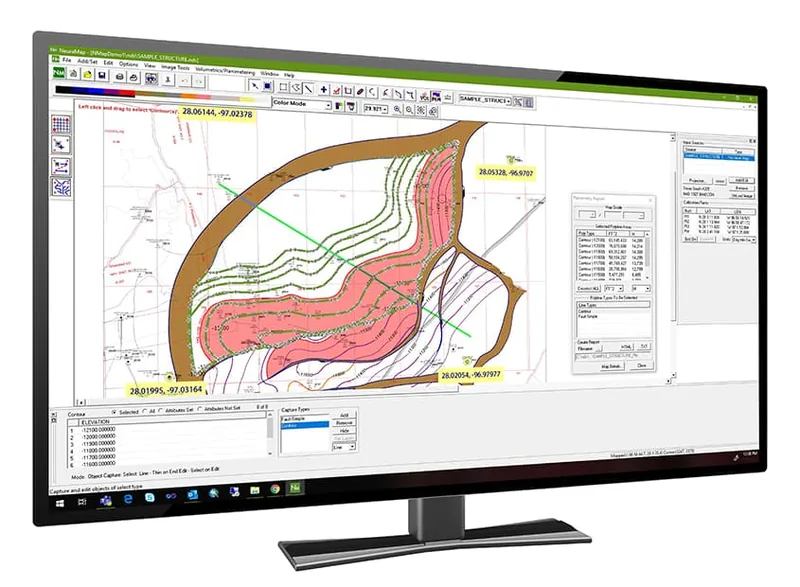
NeuraMap
Import map vectors for instant calculations on your reservoir.
NeuraSection
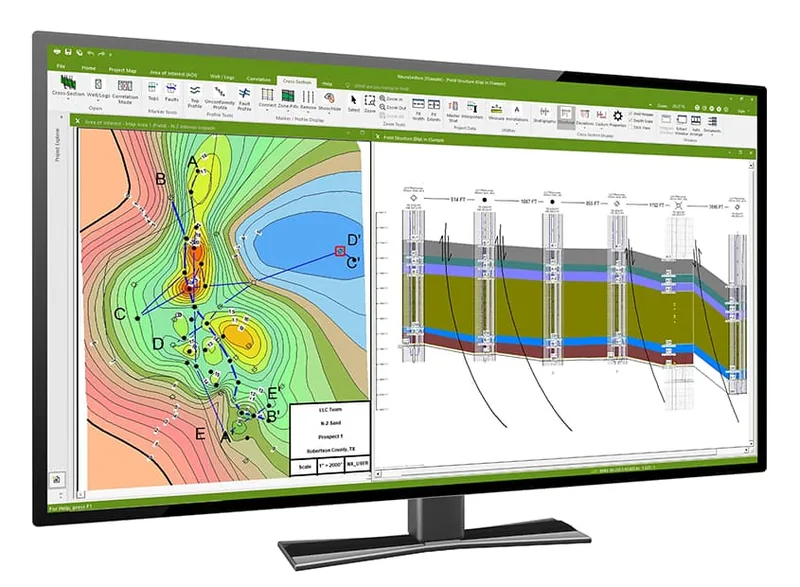
Evaluate and display all available geological data to efficiently present the total play.
More Information: