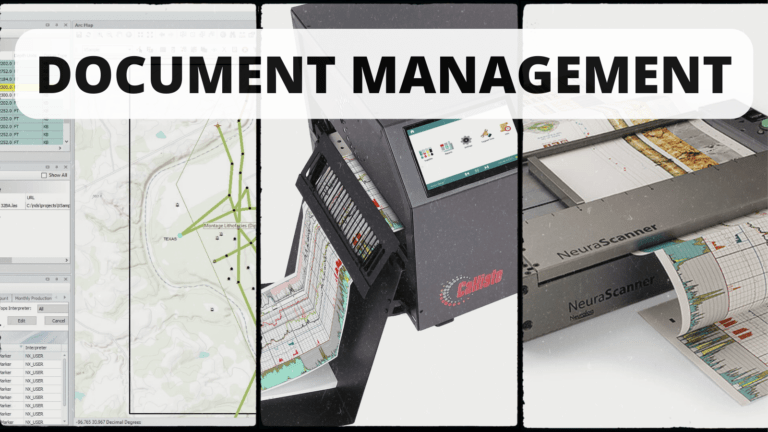
Streamline Document Management with 3 Easy Neuralog Products
Well log data and other geological document management can be a complex and time-consuming process, especially when dealing with paper-based records. That’s where Neuralog comes

Well log data and other geological document management can be a complex and time-consuming process, especially when dealing with paper-based records. That’s where Neuralog comes

Welcome to Neuralog Desktop. In this video, we’ll look at how the Desktop display is configured by default, and we’ll learn how to arrange Desktop

In today’s fast-paced and ever-evolving world of technology, it’s essential for professionals in various industries to stay up-to-date with training on the latest tools and
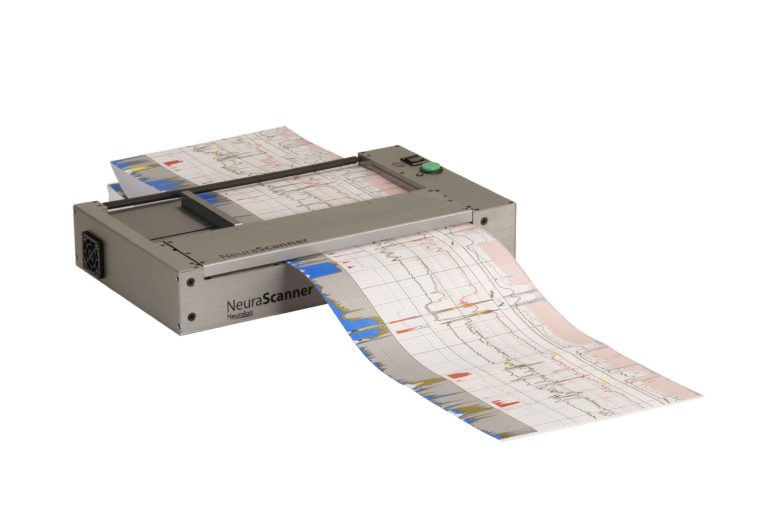
NeuraScanner and NeuraView are hardware-software products developed by Neuralog specifically designed for the capturing and visualization of well logs. In this article, we’ll provide you with some tips and tricks for using NeuraScanner and NeuraView to optimize your log digitization process.
Welcome to the Neuralog Desktop Tutorial. In this video we’ll identify the main sections of the Desktop display and see how to use both the Map and Project Explorer to find our project’s wells and documents.
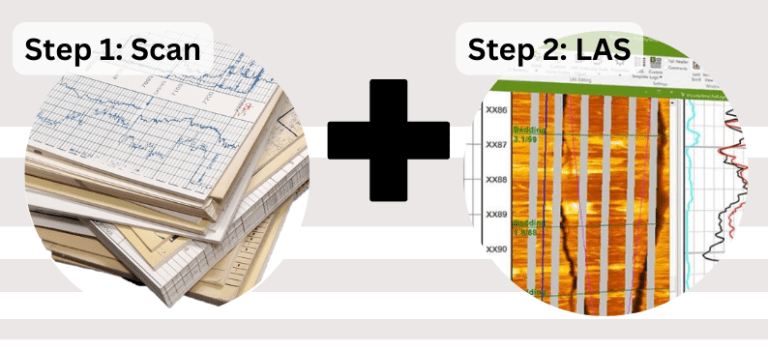
The process of scanning and converting old paper well logs into a usuable format is an essential part of the exploration and production of hydrocarbons. However, with technological advances, automated well log digitizing software and continuous well log scanners, such as those offered by Neuralog, partner together making it easier than ever to digitize and eventually interpret well logs.